

Container Inspection Records: Why Photos and Status History Matter
Container inspection records protect both the depot and the customer. They show the condition of a unit at arrival, before service, after repair, and before release. When inspection data is incomplete or scattered across photos, paper forms, and messages, disputes become harder to resolve and repair billing becomes slower.
Why inspection history matters
A container can pass through many hands in a short period: transport company, gate clerk, yard team, inspector, repair team, customer service, and billing. Each team may see a different part of the story. A structured inspection record keeps the condition history in one place.
This is important for damage attribution, repair approvals, customer claims, and equipment control. It also helps operations decide whether a unit is suitable for loading, needs cleaning, requires repair, or should remain under hold.
Capture evidence at the right moments
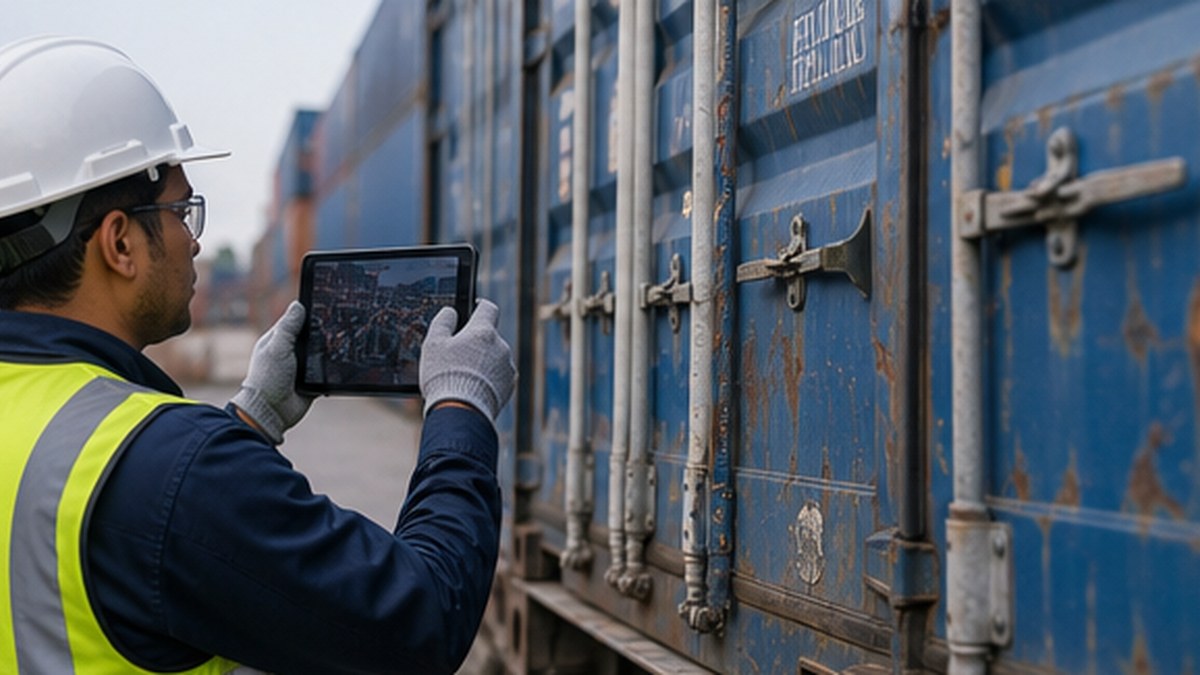
Photo evidence is most useful when it is captured at a defined workflow point. Gate-in photos show arrival condition. Inspection photos show specific damage or service requirements. Repair photos show work completed. Gate-out photos can confirm release condition.
Container depot management software should connect these photos to the container number, event, user, time, and service record. A folder of unnamed images is not enough. Evidence must be searchable and tied to the operational decision it supports.
Standardize damage codes and notes
Free-text notes are flexible, but they make reporting difficult. A better process combines standard damage codes, location references, severity, photo capture, and optional comments. This helps repair teams estimate work, helps billing apply the correct charges, and helps management review recurring damage patterns.
Standardization is also useful when multiple depots or teams work under the same operating model. It reduces interpretation differences and makes reporting more consistent across locations.
Connect inspection with repair and billing
An inspection record should not stop at documentation. If repair is required, the system should create or update a repair task, show approval status, record labor and materials, and pass the billable service to invoicing when completed. This is where a container depot ERP approach becomes valuable.
When inspection, repair, and billing use the same record, teams spend less time reconciling notes. Customers receive clearer evidence, and depot teams can defend charges with timestamps and photos rather than email fragments.
Use mobile workflows carefully
Mobile inspection tools are useful only if they are practical in the yard. Screens must be fast, photo capture must work in real conditions, and required fields should be limited to what the operation truly needs. If the form is too long, users will avoid it or complete it later from memory.
A good mobile workflow supports the inspector with clear steps: identify container, select condition, capture photos, add damage codes, assign next action, and save the record immediately.
Turn records into better control
Inspection data is not only for disputes. It can show repair workload, recurring customer issues, equipment quality, average approval time, and revenue from repair services. Over time, these insights help depots improve both operations and commercial control.